How to Update In App, Email, and SMS Notification Settings
Last updated: September 2, 2026
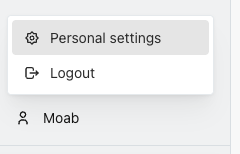
You can review and update your in-app notification preferences by navigating to your user settings:
Go to Settings > User Notifications.
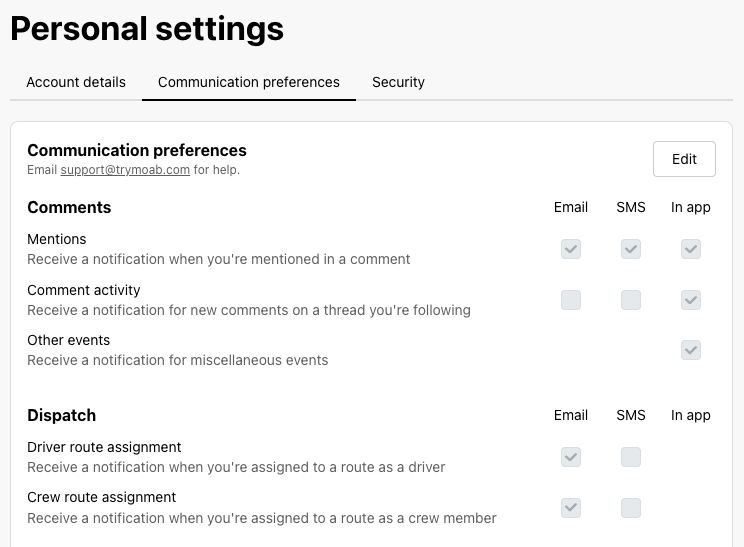
Review your notification preferences and make sure the relevant inbox notifications are enabled.
Save your changes and return to the inbox to confirm it is now updating correctly.
Still having issues?
If updating your notification settings does not enable notifications, please contact support. Our team can review recent session activity to determine whether a settings change was made and help restore the correct configuration.